
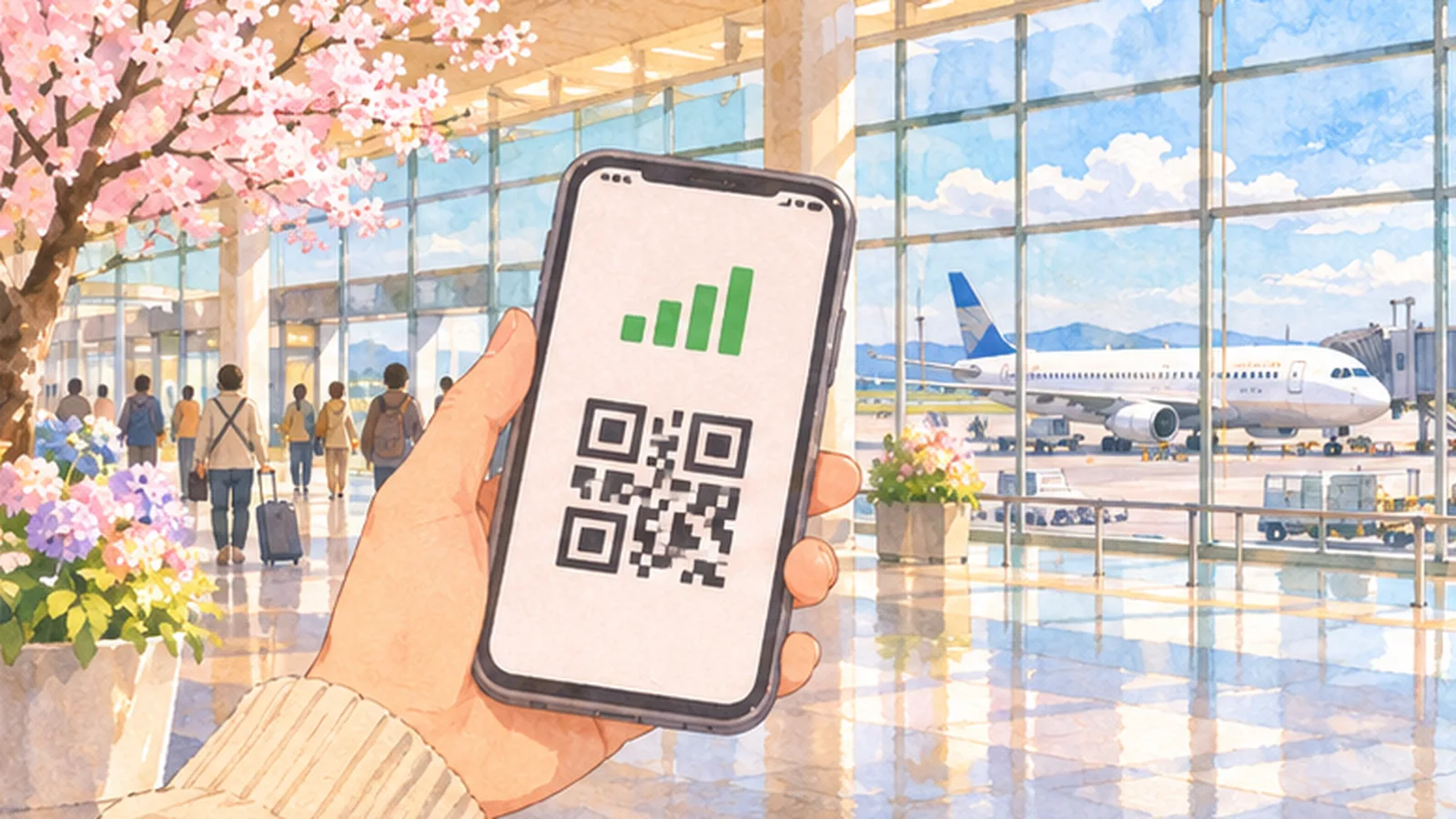
eSIM, SIM or pocket Wi-Fi
Most visitors now use an eSIM: you buy it online, scan a QR code at home and have data the moment you land in Japan. Pocket Wi-Fi suits groups sharing one connection, and physical SIM cards are for phones without eSIM support.
Which option is right for you?
An eSIM is a digital SIM. If your phone supports it (most recent iPhones and many Android phones do), you install a data plan by scanning a QR code. Your home SIM stays in the phone, so you can still receive texts for banking codes.
Pocket Wi-Fi is a small router you rent and carry. It is handy for families, but it needs charging every day and must be returned at the airport or by post. Physical tourist SIM cards are sold at airports and electronics stores.
How to set up a Japan eSIM
- Check your phoneMake sure it supports eSIM and is not locked to your home carrier.
- Buy a plan before you goChoose the number of days and the data amount; 1–3 GB a day is plenty for maps and messages.
- Install it at home on Wi-FiScan the QR code, but leave the new line switched off.
- Switch on when you landTurn on the eSIM line and data roaming for it; turn off roaming on your home line.
- Top up if neededMost apps let you add data in a minute.
Plan your trip
Some links are affiliate links; booking through them supports this site at no extra cost.
Do and don't
Japanese you will see
Find SIM cards and Wi-Fi in Japan
Search the way locals do. Results open in Japanese with a map.
Questions
How much data do I need?
For maps, messages and some photos, about 1–2 GB a day. Video calls and streaming use much more.
Can I keep my home number?
Yes. With an eSIM your home SIM stays active for calls and texts; just turn off its data roaming.